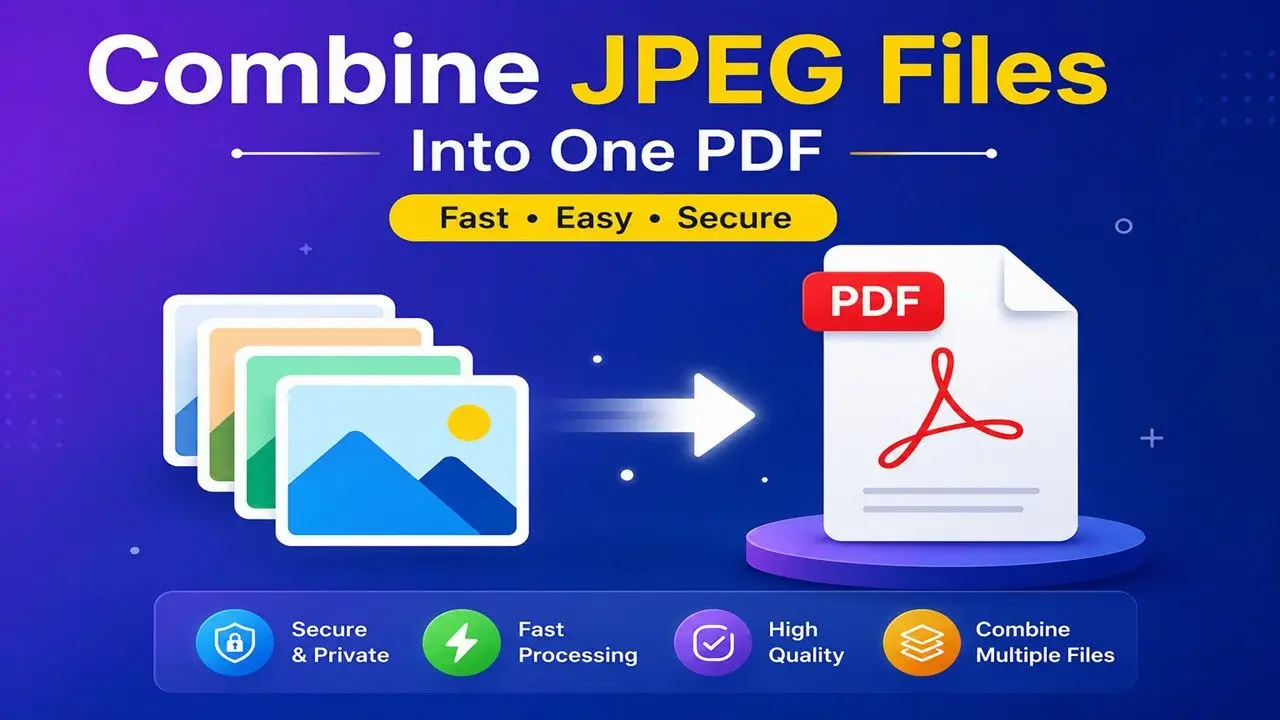
In today’s digital world, PDF files have become the preferred format for sharing important documents such as reports, contracts, invoices, presentations, eBooks, assignments, and business records. While PDFs are easy to share and preserve formatting, managing multiple PDF files separately can quickly become inconvenient.
That’s where PDFTAK.COM’s Merge PDF Tool comes in. Our free online PDF merger allows you to combine multiple PDF documents into a single, well-organized file in just a few clicks. Whether you’re a student, office professional, freelancer, teacher, or business owner, PDFTAK.COM makes PDF management simple, fast, and secure—without requiring any software installation.
What Is a Merge PDF Tool?
A Merge PDF Tool is an online utility that combines two or more PDF files into one complete document while preserving the original formatting and quality.
Instead of sending or storing several separate PDF files, you can organize everything into a single file that’s easier to manage, print, upload, and share.
Some common examples include:
- Merging invoices into one monthly report
- Combining scanned documents into a single PDF
- Joining assignment pages before submission
- Creating one business proposal from multiple files
- Organizing contracts, agreements, and legal paperwork
- Combining study notes and eBooks
With PDFTAK.COM, the entire process takes only a few moments.
Why Merge PDF Files Online?
Working with multiple PDF files often leads to unnecessary confusion and wasted time. A reliable PDF merger helps keep your documents organized while improving productivity.
Better Document Organization
Store all related documents together in one PDF instead of managing multiple files.
Easier File Sharing
Sending one PDF is much simpler than attaching several individual documents to emails or online forms.
Professional Appearance
A single, well-organized PDF creates a more polished and professional impression for clients, employers, teachers, and colleagues.
Improved Productivity
Combining documents reduces clutter and saves valuable time during document management.
Universal Compatibility
Merged PDF files can be viewed across Windows, macOS, Linux, Android, and iOS devices without affecting formatting.
How to Merge PDF Files Using PDFTAK.COM
Our Merge PDF Tool has been designed to be simple enough for anyone to use.
Step 1: Upload Your PDF Files
Select all the PDF files you want to combine from your device.
Step 2: Arrange the File Order
Drag and drop files into your preferred sequence before merging.
Step 3: Click “Merge PDF”
Our system automatically processes and combines your documents.
Step 4: Download Your File
Your newly merged PDF will be ready to download within seconds.
No technical knowledge or software installation is required.
Key Features of PDFTAK.COM Merge PDF Tool
Lightning-Fast Processing
Merge PDF files quickly with optimized processing technology.
No Installation Needed
Everything works directly in your web browser.
Easy-to-Use Interface
Simple design suitable for beginners, students, and professionals alike.
Secure Document Processing
Your uploaded files are processed using secure methods, helping protect your privacy.
Mobile-Friendly Experience
Merge PDF documents seamlessly on smartphones, tablets, laptops, and desktop computers.
Free Online PDF Merger
Basic PDF merging is available completely free, making document management accessible for everyone.
Who Can Benefit from a PDF Merger?
Students
Combine assignments, research papers, lecture notes, and project reports into one PDF before submission.
Teachers and Educators
Create organized learning materials, exam papers, worksheets, and course resources.
Business Professionals
Merge proposals, contracts, invoices, presentations, financial reports, and business documents.
Freelancers
Deliver organized client projects in one professional PDF file.
Government Offices
Manage official records, forms, applications, and documentation more efficiently.
Legal Professionals
Combine legal agreements, supporting documents, and case files into one organized document.
Common Uses of a Merge PDF Tool
People use PDF mergers every day for a wide variety of purposes, including:
- Combining bank statements
- Merging scanned certificates
- Joining passport or ID copies
- Organizing project documentation
- Combining invoices and payment receipts
- Creating digital portfolios
- Merging legal contracts
- Organizing eBooks
- Combining medical reports
- Preparing tax-related documents
Is It Safe to Merge PDFs Online?
Security is an important factor whenever documents are uploaded online.
At PDFTAK.COM, uploaded PDF files are processed in a secure environment designed to protect user privacy. However, users should always review their organization’s security policies before uploading highly confidential or sensitive documents to any online service.
Using trusted platforms and following good security practices helps ensure safer document handling.
Why Choose PDFTAK.COM?
There are many online PDF tools available, but PDFTAK.COM focuses on delivering a smooth, reliable, and user-friendly experience.
Our Advantages
- Fast PDF processing
- Free online access
- Beginner-friendly interface
- Mobile and desktop compatibility
- Secure file handling
- High-quality output
- No software installation
- Regular feature improvements
- Multiple PDF tools in one platform
Whether you want to merge, split, compress, convert, rotate, protect, unlock, or organize PDF files, PDFTAK.COM provides an all-in-one document management solution.
Tips for Best Results
To achieve the best output when merging PDF files:
- Arrange documents in the correct order before merging.
- Remove duplicate pages if necessary.
- Ensure all PDFs are readable before uploading.
- Rename the merged file for easier identification.
- Keep a backup of important original documents.
Following these simple tips helps create clean and professional PDF files every time.
Frequently Asked Questions (FAQs)
Can I merge more than two PDF files?
Yes. PDFTAK.COM allows you to combine multiple PDF documents into one file at the same time.
Do I need to register before using the tool?
No. Most PDF merging tasks can be completed without creating an account.
Will my PDF quality be reduced?
No. The merged document maintains the original quality and formatting of your uploaded files.
Can I merge PDFs using my mobile phone?
Absolutely. PDFTAK.COM works smoothly on Android, iPhone, tablets, and desktop browsers.
Is the Merge PDF Tool free?
Yes. The basic Merge PDF feature is available free for all users.
Does the order of uploaded files matter?
Yes. The final PDF follows the order you arrange before clicking the merge button.
Final Thoughts
Managing multiple PDF documents doesn’t have to be difficult. A reliable PDF merger helps keep files organized, improves productivity, and makes document sharing much more convenient.
With PDFTAK.COM, you can merge PDF files online quickly, securely, and without installing any software. Whether you’re organizing study materials, business reports, legal documents, invoices, or personal records, our free Merge PDF Tool provides a fast and efficient solution for every need.
Start using PDFTAK.COM Merge PDF Tool today and experience smarter, faster, and hassle-free PDF management.