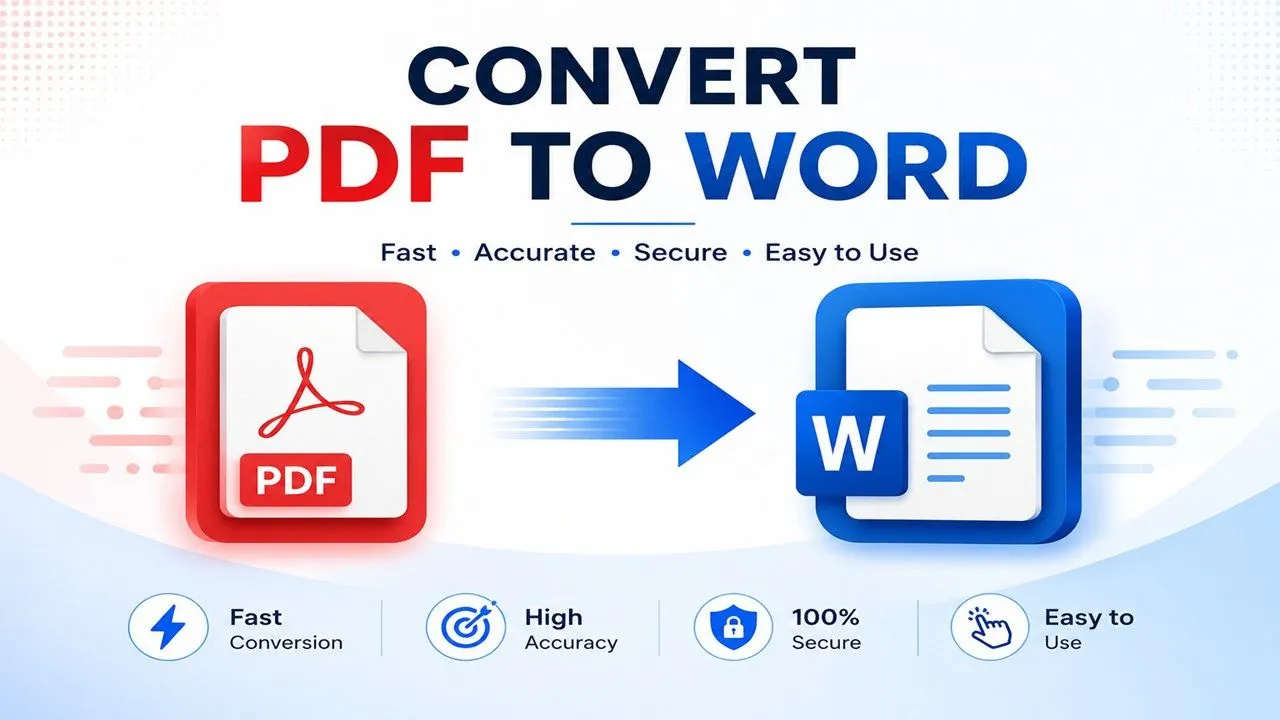
PDF files are the preferred format for sharing documents because they preserve the original layout, fonts, and formatting across all devices. However, editing a PDF can be challenging when you need to update text, modify images, or make changes to the document. That’s where a PDF to Word Converter becomes essential.
PDFTAK.COM offers a fast, secure, and easy-to-use PDF to Word Converter that transforms PDF documents into fully editable Microsoft Word files while preserving formatting as accurately as possible. Whether you’re a student, office professional, teacher, freelancer, or business owner, our online tool helps you edit PDF content in just a few clicks—without installing any software.
What Is a PDF to Word Converter?
A PDF to Word Converter is an online tool that converts PDF files into editable Microsoft Word documents (.DOC or .DOCX). After conversion, you can easily modify the document using Microsoft Word or any compatible word processor.
With the converted file, you can:
- Edit text and paragraphs
- Change fonts and formatting
- Insert or delete images
- Modify tables
- Update business documents
- Add new pages or sections
- Correct spelling and grammar
- Save and share the updated file
Instead of recreating an entire document from scratch, PDF conversion saves valuable time and effort.
Why Convert PDF to Word?
Although PDF is ideal for sharing documents, it is not designed for easy editing. Converting a PDF into Word gives you complete control over your content.
Edit Existing Documents
Update contracts, reports, resumes, letters, invoices, and presentations without starting over.
Correct Mistakes Quickly
Fix typing errors, outdated information, or formatting issues within minutes.
Reuse Content
Extract text, charts, images, and tables for new projects or presentations.
Simplify Team Collaboration
Word documents are easier to review, edit, and share among multiple team members.
Academic & Educational Use
Students and teachers can update notes, assignments, research papers, and study materials effortlessly.
Key Benefits of Using PDFTAK.COM PDF to Word Converter
Fast Online Conversion
Convert PDF documents into editable Word files within seconds.
High Conversion Accuracy
Our intelligent conversion engine preserves:
- Headings
- Paragraphs
- Fonts
- Tables
- Images
- Lists
- Document structure
- Page formatting
Completely Browser-Based
No software installation is required. Simply upload your file and convert it online.
Secure File Processing
Your uploaded documents are processed securely, and your privacy remains protected.
Mobile Friendly
Use the converter on:
- Android
- iPhone
- Windows
- macOS
- Linux
- Tablets
How to Convert PDF to Word Online
Using PDFTAK.COM is simple and beginner-friendly.
Step 1: Upload Your PDF File
Click the upload button and choose the PDF you want to convert.
Step 2: Start the Conversion
Our advanced system automatically begins processing your document.
Step 3: Wait a Few Seconds
The conversion is completed within moments.
Step 4: Download the Word File
Download the editable Word document instantly and start making changes.
No registration or complicated setup is required.
Features of PDFTAK.COM PDF to Word Tool
Our converter is designed for speed, convenience, and reliability.
Instant Conversion
Convert documents in just a few seconds.
Smart Formatting Retention
Maintains the original layout as accurately as possible.
Easy-to-Use Interface
Clean, modern, and user-friendly design suitable for everyone.
Supports Multiple Devices
Works seamlessly across desktops, laptops, tablets, and smartphones.
Safe & Private
Files are processed securely to protect your information.
No Technical Skills Needed
Anyone can convert PDF files without prior experience.
Who Can Use a PDF to Word Converter?
Almost anyone who works with digital documents can benefit from PDF conversion.
Students
Edit assignments, lecture notes, and research papers quickly.
Teachers
Update worksheets, question papers, and classroom materials.
Office Professionals
Modify reports, proposals, invoices, and business documents.
Freelancers
Edit client documents, contracts, and project files with ease.
Researchers
Extract valuable content from PDF publications for further editing and analysis.
Popular Uses of PDF to Word Conversion
A PDF to Word Converter is perfect for:
- Editing contracts
- Updating resumes
- Revising reports
- Modifying invoices
- Creating editable templates
- Updating business documents
- Extracting text from PDFs
- Reusing document content
- Editing academic materials
Does the Converter Preserve Formatting?
Yes. PDFTAK.COM uses advanced conversion technology to preserve the original appearance of your document.
The converter retains:
- Fonts
- Paragraph spacing
- Headings
- Tables
- Images
- Lists
- Page layout
- Text alignment
For highly complex or scanned PDFs, a few minor formatting adjustments may occasionally be required after conversion.
Advantages of Online PDF to Word Conversion
No Software Installation
Everything works directly from your web browser.
Access Anywhere
Convert files from home, school, office, or while traveling.
Cross-Platform Compatibility
Compatible with:
- Windows
- macOS
- Linux
- Android
- iOS
Fast Processing
Most files are converted in just a few seconds.
Saves Time
Avoid manually retyping documents.
Why Choose PDFTAK.COM?
PDFTAK.COM is a complete online document management platform designed to simplify PDF editing and conversion.
Our platform offers a wide range of useful tools, including:
- PDF to Word
- Word to PDF
- Merge PDF
- Split PDF
- Compress PDF
- PDF to JPG
- JPG to PDF
- OCR PDF
- Protect PDF
- Unlock PDF
- Rotate PDF
- Organize PDF
- AI PDF Summarizer
We continuously enhance our services to provide faster, safer, and more accurate document management solutions for users worldwide.
Frequently Asked Questions (FAQs)
Is the PDF to Word Converter free?
Yes. PDFTAK.COM offers free PDF to Word conversion for most everyday document needs.
Do I need Microsoft Word?
No. You can open the converted file using Microsoft Word or any compatible document editor such as LibreOffice or Google Docs.
Can I convert large PDF files?
Yes. Larger PDF files can generally be converted, depending on the supported upload limits.
Will images remain after conversion?
Yes. Most images, graphics, and tables are preserved during the conversion process.
Can I use the tool on my phone?
Absolutely. PDFTAK.COM works smoothly on Android smartphones, iPhones, and tablets.
Is my uploaded file secure?
Yes. Your files are processed using secure servers, and user privacy is a top priority.
Final Words
Converting PDF files into editable Word documents has never been easier. Whether you’re updating business reports, editing academic assignments, modifying contracts, or reusing document content, a reliable PDF to Word Converter saves both time and effort.
With PDFTAK.COM, you can convert PDF documents into fully editable Word files quickly, securely, and without installing any software. Our powerful online converter is designed to deliver accurate results while keeping the process simple for everyone.
Start using PDFTAK.COM PDF to Word Converter today and enjoy fast, secure, and hassle-free document editing anytime, anywhere.