Images are one of the most convenient ways to capture and store information. Whether it’s scanned documents, handwritten notes, receipts, certificates, screenshots, or photographs, image files are used every day. However, managing multiple JPG files can become difficult, especially when you need to submit documents professionally or share them with others.
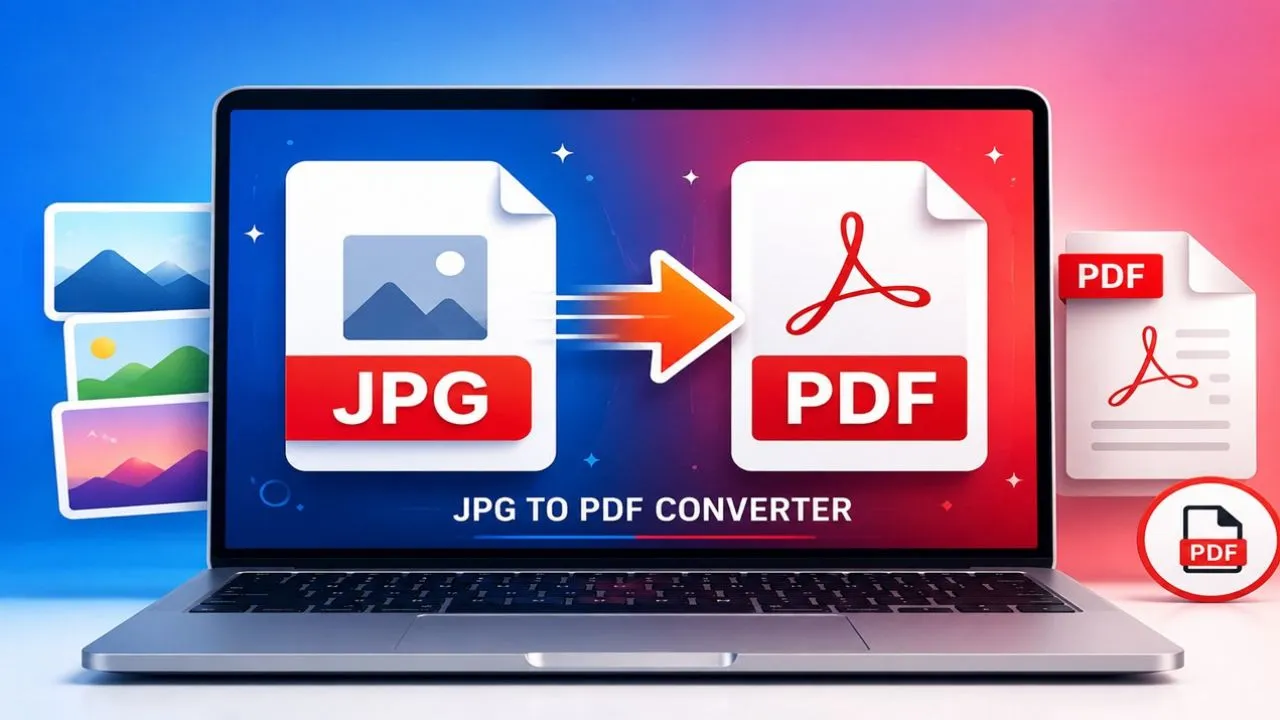
A JPG to PDF Converter solves this problem by allowing you to merge one or multiple JPG images into a single, well-organized PDF document. PDFs are easier to store, print, upload, and share while maintaining a professional appearance.
At PDFTAK.COM, you can convert JPG images into high-quality PDF files within seconds—without installing any software or creating an account.
What is a JPG to PDF Converter?
A JPG to PDF Converter is an online tool that converts image files (JPG or JPEG) into PDF documents.
Instead of sharing several image files separately, you can combine them into a single PDF that is easier to organize and manage.
With a JPG to PDF converter, you can:
- Convert JPG images into PDF format
- Merge multiple images into one PDF
- Arrange images in any page order
- Create professional-looking documents
- Share one PDF instead of multiple image files
The generated PDF can be opened on almost every computer, smartphone, or tablet.
Why Convert JPG to PDF?
Although JPG images are perfect for viewing photos, PDF files are much better for document management.
Professional Presentation
PDF documents look cleaner, more organized, and are widely accepted for official submissions.
Easy File Sharing
Instead of sending ten separate images, you only need to share one PDF file.
Better Printing
PDF files preserve page formatting, image placement, and print exactly as expected.
Improved File Organization
Keeping all images inside one document makes document management much easier.
Universal Compatibility
PDF files work perfectly on Windows, Android, iPhone, macOS, Linux, and almost every modern device.
Common Uses of JPG to PDF Converter
For Students
Students frequently convert:
- Assignment pages
- Handwritten notes
- Practical files
- Study materials
- Project reports
into a single PDF before uploading to school or college portals.
For Business Professionals
Businesses use JPG to PDF conversion for:
- Invoices
- Receipts
- Purchase bills
- Contracts
- Business documents
- Office records
PDF files help maintain a professional workflow.
Government Applications
Many government websites require applicants to upload documents only in PDF format.
Users often convert:
- Aadhaar copies
- PAN cards
- Certificates
- Identity proofs
- Forms
into PDFs before submission.
Freelancers
Freelancers use PDF documents for:
- Client reports
- Scanned paperwork
- Design proofs
- Signed agreements
One organized PDF appears much more professional than multiple images.
Personal Use
Individuals commonly convert:
- Family documents
- Educational certificates
- Medical reports
- Utility bills
- Passport copies
into PDF format for long-term storage.
How to Convert JPG to PDF Online?
Using PDFTAK.COM is quick and beginner-friendly.
Step 1: Upload JPG Images
Choose one or more JPG files from your device.
Step 2: Arrange Images
Reorder the images according to your preferred page sequence.
Step 3: Click Convert
Start the conversion process with a single click.
Step 4: Download PDF
Download your newly created PDF document instantly.
The complete process usually takes only a few seconds.
Features of PDFTAK.COM JPG to PDF Converter
Lightning Fast Conversion
Generate PDF files within seconds.
Multiple Image Support
Merge several JPG images into one PDF document.
High-Quality Output
Maintain excellent image clarity without unnecessary quality loss.
Browser-Based Tool
No installation or software download required.
Mobile Compatible
Works smoothly on:
- Android
- iPhone
- Tablets
- Windows PC
- Mac
- Linux
Simple User Interface
Designed for beginners while offering professional-level performance.
Free to Use
Basic JPG to PDF conversion is available without any cost.
Benefits of JPG to PDF Conversion
Better Organization
Store multiple images inside one neatly organized PDF.
Easier Document Management
Avoid searching through dozens of separate image files.
Faster Printing
Print all pages together with proper formatting.
Quick Sharing
Send one PDF attachment instead of multiple images.
Professional Documentation
PDF is the preferred document format for schools, businesses, and government offices.
Is JPG to PDF Conversion Safe?
Security matters when handling personal or professional documents.
At PDFTAK.COM, files are processed securely through your web browser without requiring complicated software installations.
For highly confidential documents, users should always review the platform’s Privacy Policy before uploading sensitive files.
Why Choose PDFTAK.COM?
PDFTAK.COM is an all-in-one online PDF solution that offers fast, reliable, and easy document management tools.
Our platform is built for:
- Students
- Teachers
- Professionals
- Businesses
- Government applicants
- Everyday users
Whether you need to convert, merge, compress, or edit PDFs, everything is available in one place.
Popular PDF Tools Available on PDFTAK.COM
Our complete PDF toolkit includes:
- JPG to PDF
- PDF to JPG
- Merge PDF
- Split PDF
- Compress PDF
- PDF to Word
- Word to PDF
- Excel to PDF
- PowerPoint to PDF
- OCR PDF
- Protect PDF
- Unlock PDF
- Rotate PDF
- Organize PDF Pages
- AI PDF Summarizer
With these powerful online tools, managing PDF documents becomes simple and efficient.
Advantages of Using PDFTAK.COM
- ✅ 100% Online Tool
- ✅ Fast Processing Speed
- ✅ High-Quality PDF Output
- ✅ Secure File Handling
- ✅ Mobile & Desktop Friendly
- ✅ No Registration Required
- ✅ Easy-to-Use Interface
- ✅ Free Basic Features
- ✅ Supports Multiple JPG Files
- ✅ Instant PDF Download
Frequently Asked Questions (FAQs)
Can I convert multiple JPG images into one PDF?
Yes. You can upload multiple JPG images and combine them into a single PDF document.
Is JPG to PDF conversion free?
Yes. PDFTAK.COM offers free JPG to PDF conversion for everyday users.
Will my image quality decrease?
No. The converter is optimized to preserve image clarity and readability.
Can I use the tool on mobile devices?
Absolutely. The JPG to PDF Converter works perfectly on Android phones, iPhones, tablets, laptops, and desktop computers.
Do I need to install any software?
No. Everything works directly in your web browser.
Which image formats are supported?
The converter primarily supports JPG/JPEG images and is designed for quick PDF creation.
Final Words
Converting JPG images into PDF documents is one of the smartest ways to organize, store, print, and share important files. Whether you’re submitting assignments, uploading government documents, sending business reports, or preserving personal records, PDF remains the most trusted and widely accepted document format.
PDFTAK.COM offers a fast, secure, and user-friendly JPG to PDF Converter that helps you create professional-quality PDF documents in just a few clicks. No software installation, no complicated steps—simply upload your images, convert them instantly, and download your PDF with ease.
If you’re looking for a reliable online JPG to PDF converter, PDFTAK.COM is your one-stop destination for all your PDF management needs.